Get Started
What products you're going to sell and how your store is going to look are two of the most important choices you'll make for your store. To get started, generate an account, create your first company, and start adding your first products, try a few different themes to decide which one looks best.
On this page
- Create an account
- Create your first company
Create an account
- Go to the home page here
- Enter your full name, email address, and password.
- Click Sign Up to confirm.
- Now you can then use your credentials to securely access the system.

Create your first company
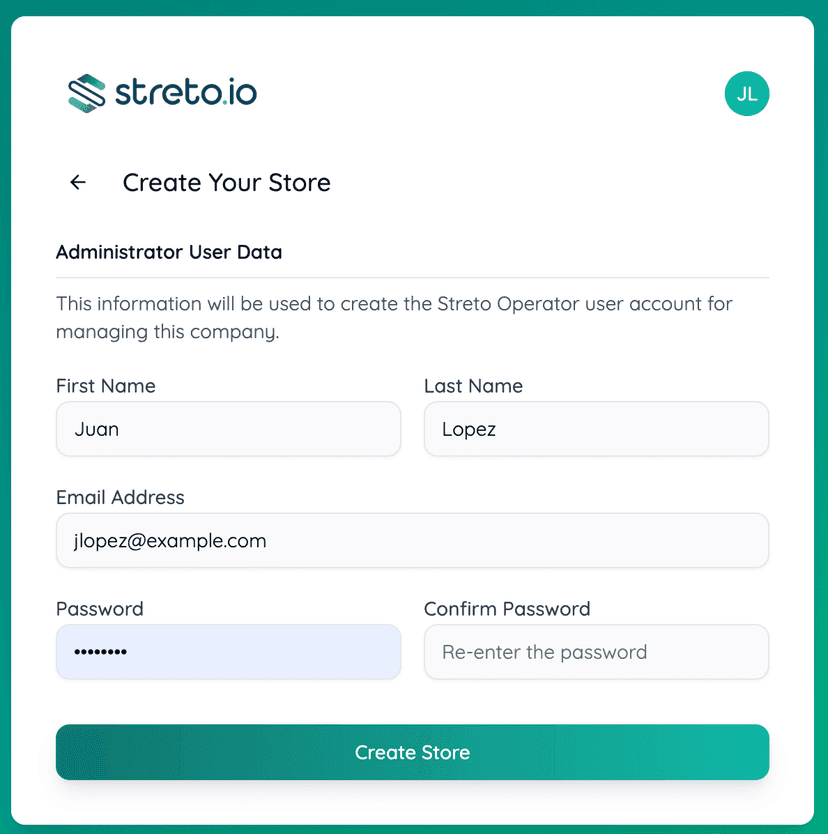
- Click Create Store.
- Enter the required information in the form; the fields will be pre-filled, but you can modify them as needed.
- Do not forget to create a password for the new company; it does not need to be the same one you previously used in the system.
- Click Create Store again.
- Within a few seconds, your store will be ready to use.
You will be redirected immediately to the new store.
Once the new company has been created, you can begin creating products or customizing it. You can review the documentation to continue: